










Inks & Toners
Why Should You Always Buy Original Ink And Toner?
Sawgrass Ink vs Other Inks: Sawgrass invented the sublimation ink process for digital printers and yet others, who made an inferior copy of their inks, claim their ink is the best.
The joy of cheap ink is soon forgotten when:
- The head inevitably blocks; or the customer rejects the job because the ink has faded; or the colours print incorrectly due to cheap ink not having a colour management programmed like Sawgrass Print Utility to correct the colours.
Laser Printer Toners vs Compatible Toners: Compatible Toners were not made for digital laser transfers.
Testing that we have done yielded the following results:
- Toner density was very low which made the prints almost transparent;
- Very light prints, which in turn meant that the print looked faded after transfer.

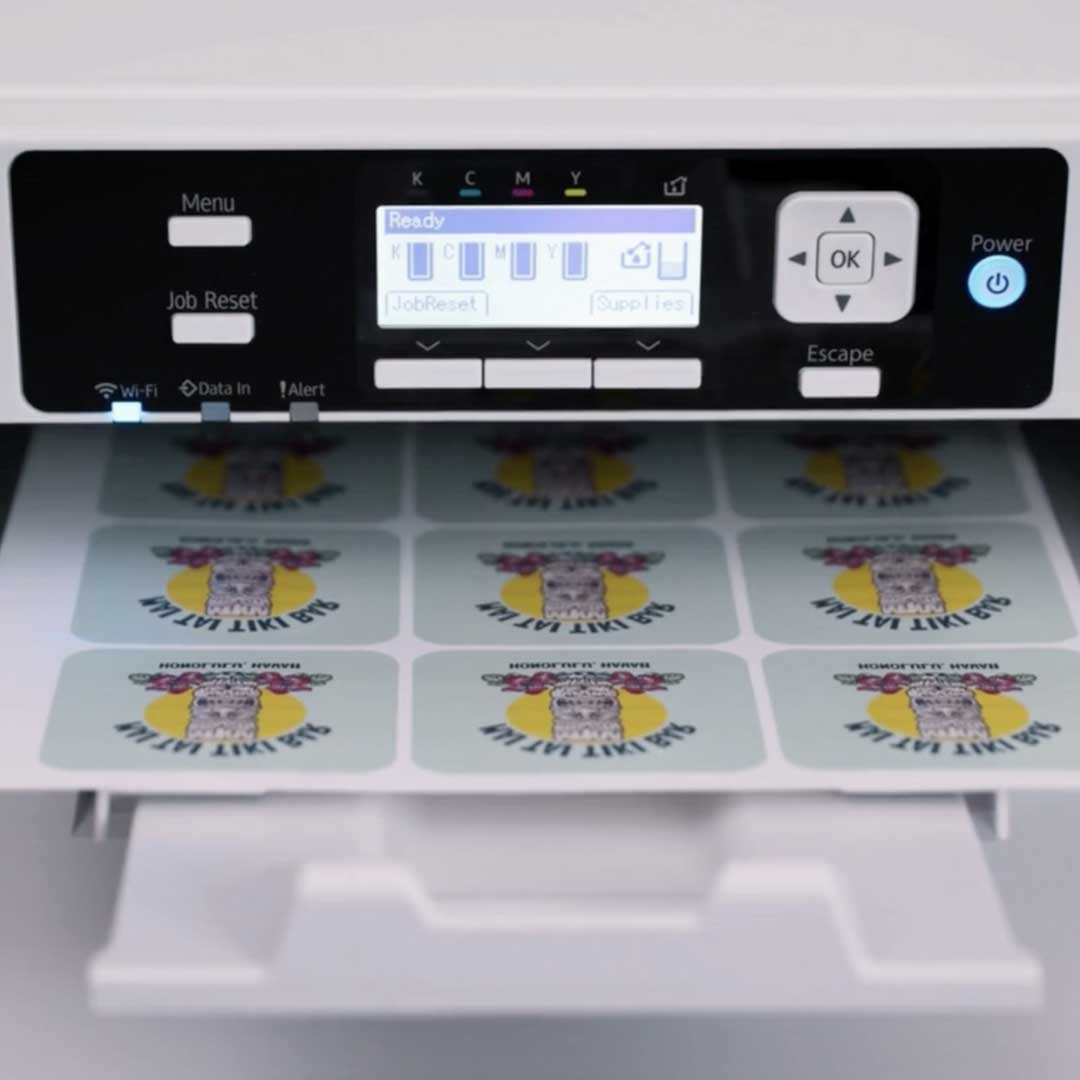


Sawgrass™ Ink
Brother™ Ink
- Colours: Cyan, yellow, magenta, black.
- Qty: Sold as singles
- Size: 47ml
- Expertly designed to produce vivid, long-lasting colour with high wash fastness.
- Brother genuine ink cartridges are rigorously tested to print perfectly, saving you time and money
- Smart cartridge design enables full visibility of remaining ink, ready to use right out of the box
- Protect your printer warranty by using genuine Brother supplies.
OKI Laser Toners
Software
Mechanical sewing machines feature basic functions and a limited number of stitch options but are perfect for outright beginners and users who just want to sew simply. Stitch selection and settings are set manually via dials and these machines require the use of a foot pedal to operate the machine while sewing. Ideal for beginners & home sewists basic repairs, dressmaking, crafting, and home décor projects. Easy to use, and great for everyday sewing.


Sawgrass™ Print Utility
-
Why Sawgrass™ Print Utility?
- Supports Multiple File Formats: JPG, PNG, PDF, TIFF, GIF, AVIF, WEBP, EPS and more.
- Accurate Colour Management: Print Utility works in the background, managing the flow of colour information from your digital artwork to your Sawgrass printer. This reduces wasted ink (saving you money) and ensures the colours on your finished products are as accurate and vibrant as possible.
- Print from any design software: Sawgrass Print Utility can print from any graphics program such as Adobe, Corel and more. Use the “Send to Sawgrass Print Utility” functionality
- Selected presets for easy printing: Easily select the product you are wishing to make, this in turn will select the correct product and print settings for you
- Multiple Colour Profiles: Support multiple surfaces from ceramic, wood, textile, and more, leading to optimal colour output.
- Custom Paper Sizes:It comes with the most common paper sizes in the industry.
- Compatible with Windows and Mac.
Artspira
- My Creations: Easy to use editing tools help you create and customise cutting and embroidery designs to your liking.
- Line Art Tracing: Save up to 20 custom designs in your My Creations tab.
- Design Templates: Includes editable text for endless personalisation options.
- Design Editors:Easy to use editing tools help you create and customise cutting and embroidery designs to your liking.
- Embroidery Design:Use your mobile device to create one-of-a-kind embroidery designs that are as unique and beautiful as you are
- For Android and Apple
Corel Draw Design Software
-
What is Corel Draw software. and why do we recommend it?
- Professional graphics software for professional results
- All our templates are made in CorelDRAW format, and with CorelDRAW, the template will not change in size if your image resolution changes
- Inserting an image into a supplied template is so simple that anyone can do it.
- Text and logos created in CorelDRAW can be resized to any size without a loss of detail or sharpness.
- Accurate colour handling for more consistent sublimation results
- Logos/text/shapes that have been scanned, photographed or emailed to you can be traced into vector format, allowing clean, sharp resizing for any product size
- Easy to set up, position, centre, and resize artwork precisely
- Ideal for logos, text, and layouts used in sublimation products
- Saves time and reduces costly printing mistakes
- JG Electronics’ design team has been using CorelDRAW for over 36 years